Metropolis Technology

Welcome to remarkably simple parking at Lincoln Center.

Stress less about parking!

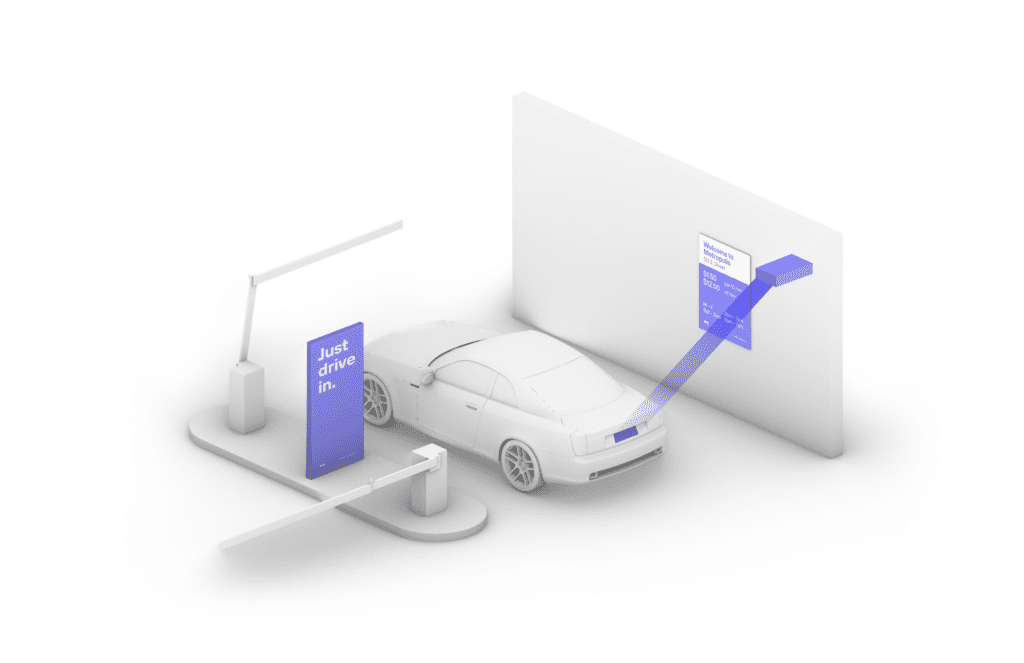
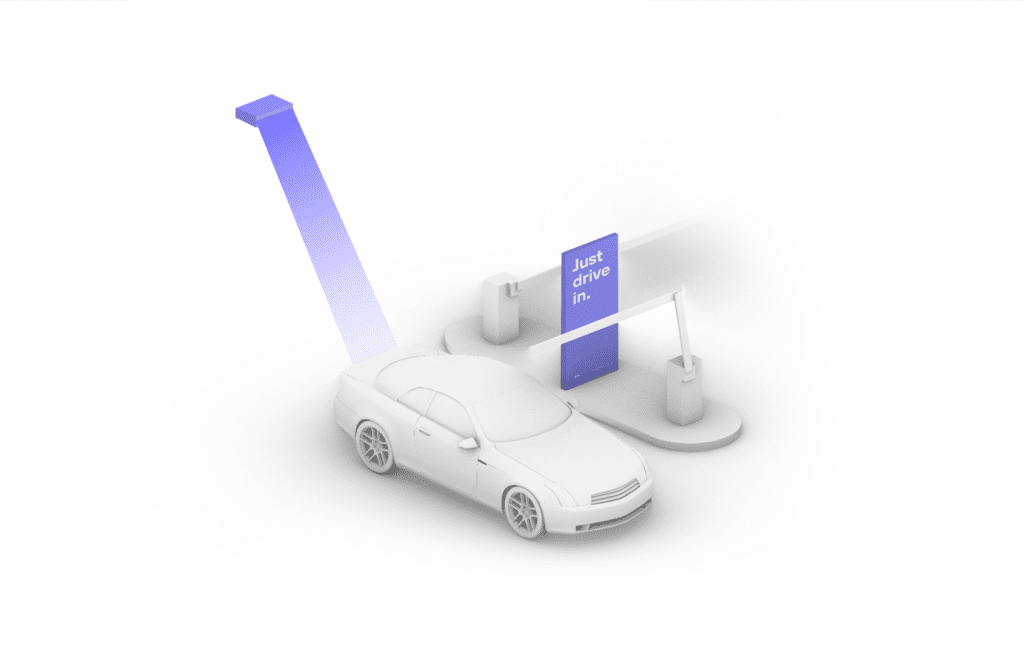
Metropolis Technology recognizes your vehicle automatically, so you can be in, out and on your way.

How it Works

Connect once and you’ll enjoy seamless, automated parking in New York.
First-time Users of the Metropolis Technology, follow the simple steps to sign up. LEARN MORE
Prepaid Reservations do not require you to sign up for a Metropolis account. LEARN MORE
Existing Metropolis Members can simply drive in and drive out as long as you use the same vehicle and card on file. LEARN MORE
To prebook parking, daily reservation options are available.
 
Accessible Parking

Accessible parking spaces are available for guests in the Blue Section of the garage. The Blue Section is accessible from all garage entrances. Please follow wayfinding signage for accessible parking and theater entrances.

Note: The accessible pedestrian pathway from the garage to the theaters is through the Blue Section of the garage. For theater access, exit the Blue Section through Jaffe Drive (the exit closest to the accessible parking rows) and follow signage for elevator access to the theaters.

Turn left for the pathway to the elevator for access to David Geffen Hall, Lincoln Center Theater, Alice Tully Hall, and the Samuel B. & David Rose Building
Turn right for the pathway to the elevator for access to the David H. Koch Theater and the David B. Rubenstein Atrium
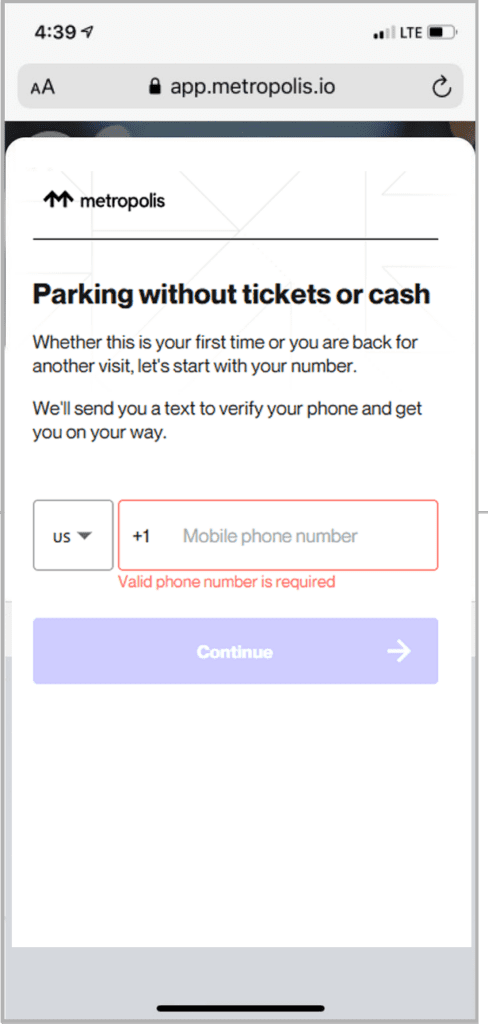
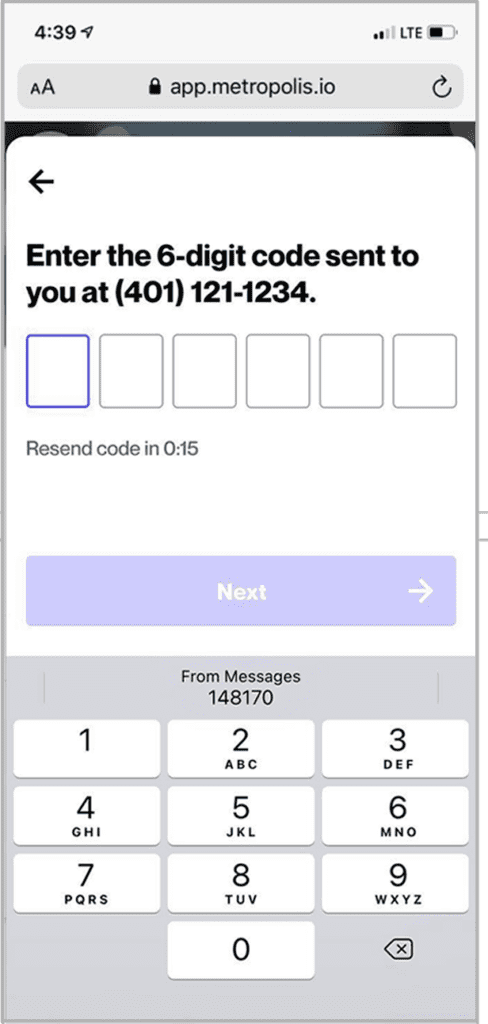
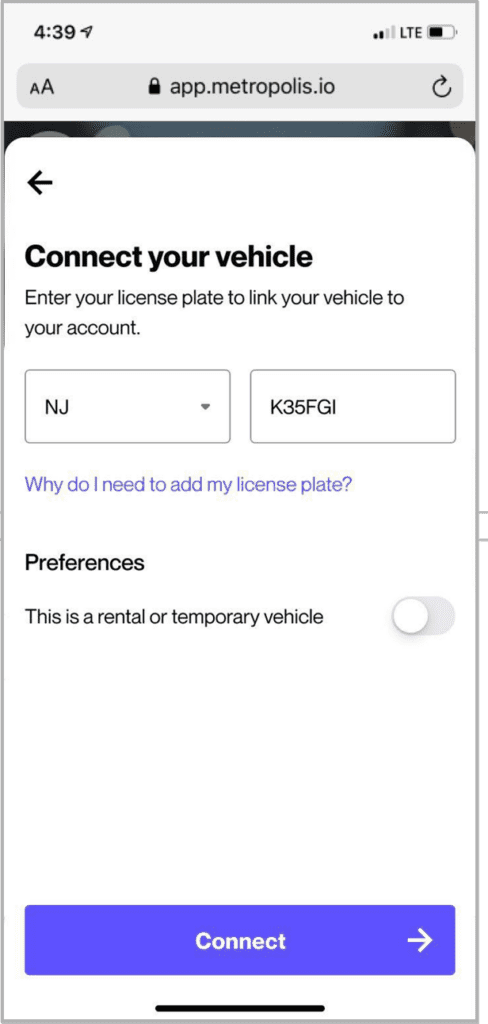
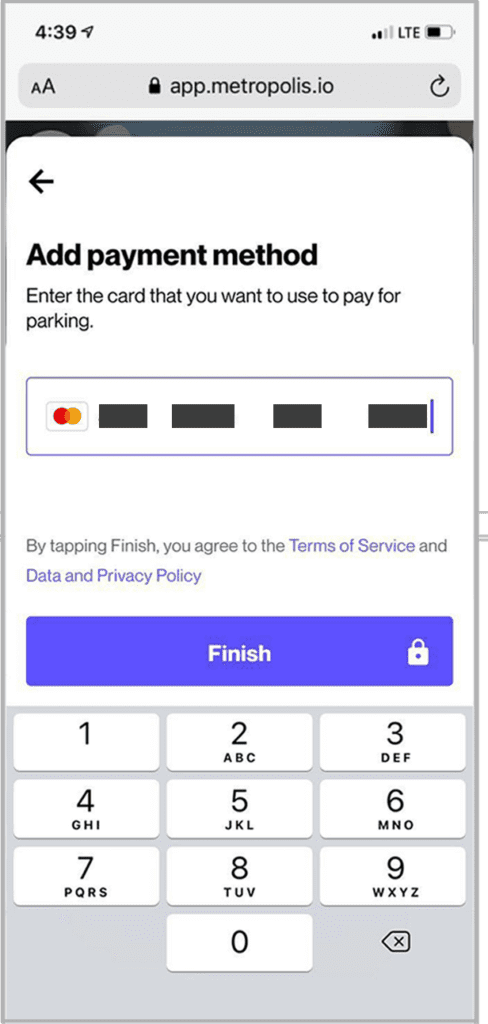
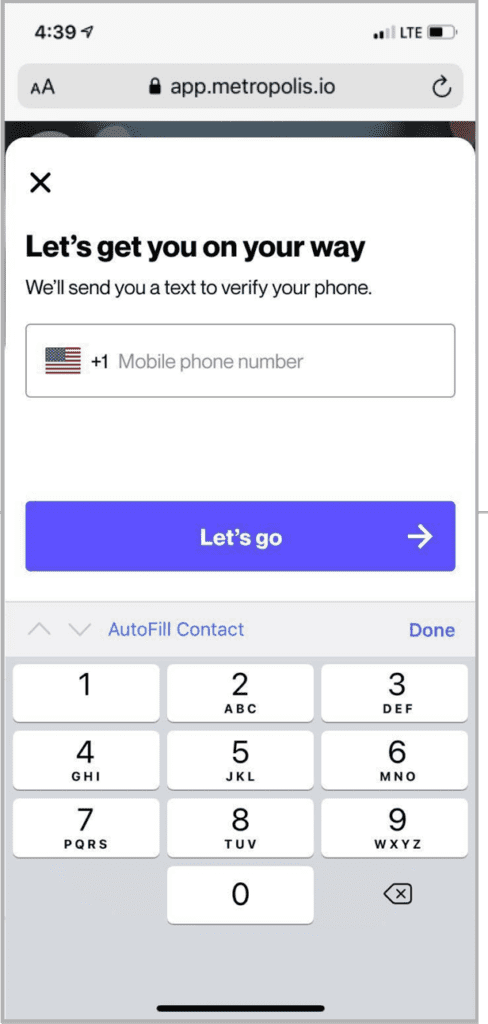
How to sign up

Option 2: When you arrive
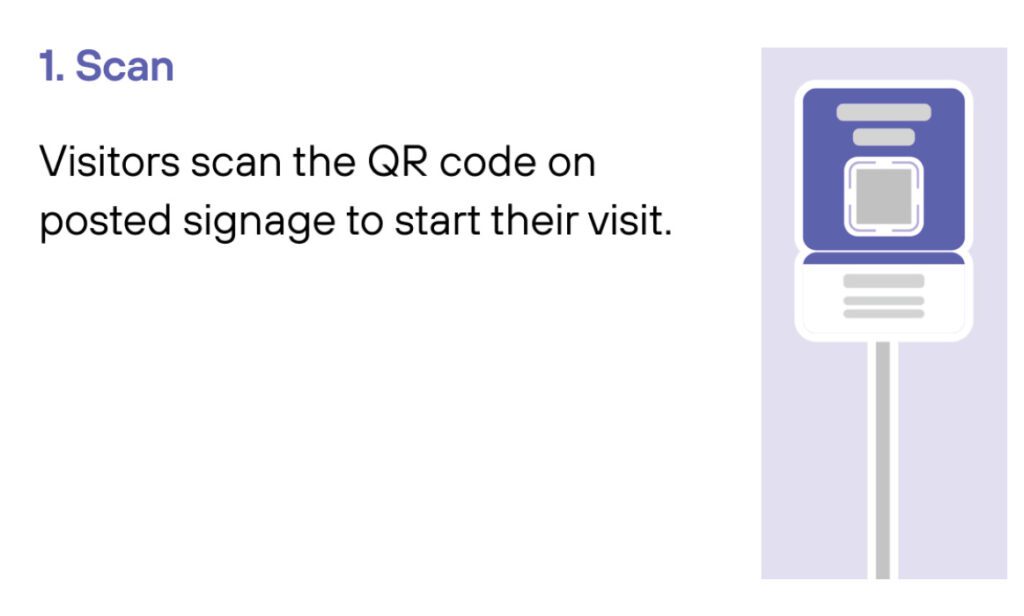
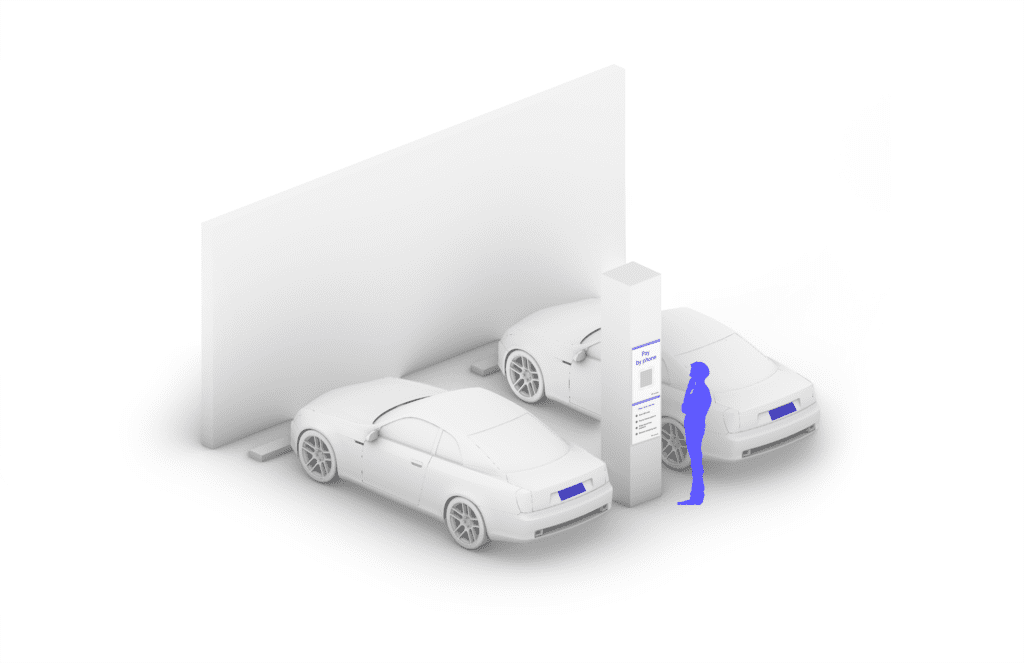
  1. Scan QR code posted in the parking garage.
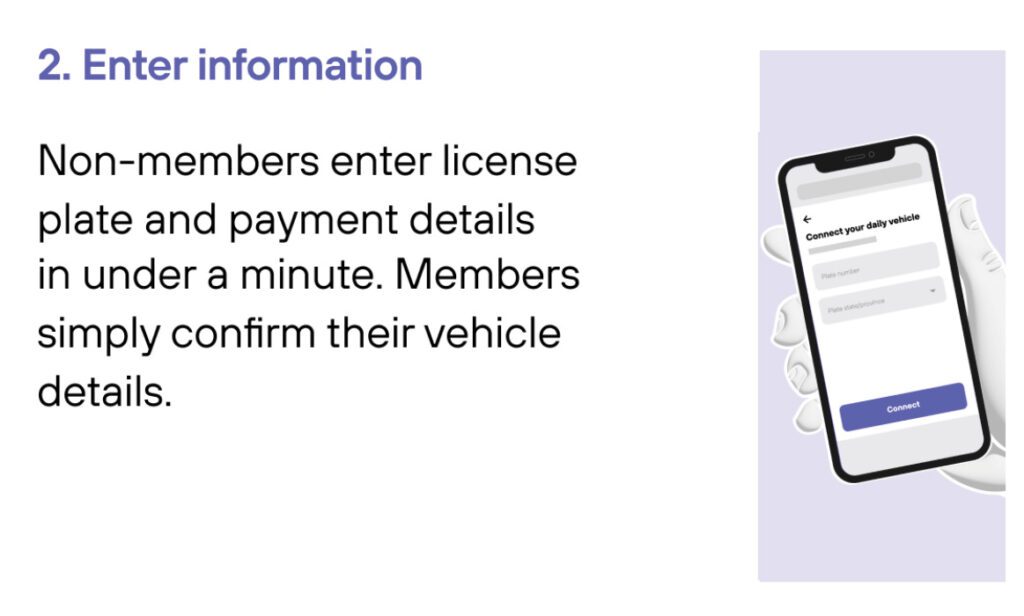
  2. Follow the prompts to sign up.

WE HAVE A SPOT FOR YOU.®

1
Drive In
Your visit starts when you drive in, and your parking session will begin. (The Metropolis Technology recognizes your license plate and retrieves your prepaid reservation.) Do not scan posted QR codes. You’re all set.
2

Drive Out
When you exit the parking facility, your prepaid reservation is recognized. Just drive out. (If you stayed beyond your allotted reservation, your credit card will be charged the difference using the drive-up rates.)

1
Drive In
Your visit starts when you drive in, and your parking session will begin.
2
Connect
Scan QR code posted in the parking facility and enter the required information. (License plate number required)
3

Drive Out
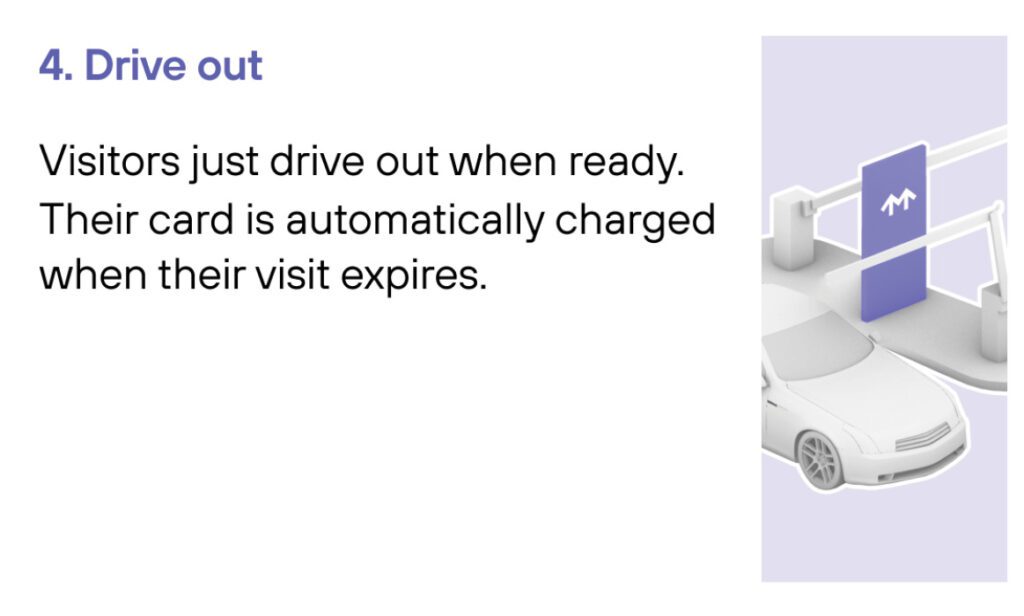
When you exit the parking facility, your parking session is automatically charged to your credit card on file. Just drive out.

1
Drive In
Your visit starts when you drive in. You’ll receive a welcome text when you enter and your parking session will begin.
2
Drive Out
When you exit the parking facility your parking session is automatically charged to your credit card on file.