Rose Building Garage (Valet Parking)
Rose Building Garage (Valet Parking) offers parking for Lincoln Center and Lincoln Square visitors. Choose the best parking option to meet your parking needs.
Rose Building Garage
(Valet Parking)
PARKING ENTRANCE
165 West 65th Street
152 West 66th Street
Open 24/7
(Map & Directions)
Pre-Purchase Parking Online
Pre-purchase parking is available for Rose Build Garage (Valet Parking). Buy parking online to reserve a guaranteed parking space. Simply select the date and time of your visit to reserve.

Review Your Order - Order ID << Back to Date Picker
Parking Entrance Time
Parking Exit Time
Parking Reservation Secure Checkout

NOTE: If you enter the parking facility before your reservation time or go over your reservation time upon exiting, you will be responsible for paying the additional time based on the posted parking rates.
Rates
Daily Parking Rates
Parking visitors can pre-purchase parking online or drive up to the location.
Online Rates |
|
| Up to 1 hours | $39.00 |
| Up to 2 hours | $54.00 |
| Up to 9 hours | $70.00 |
| Up to 24 hours | $80.00 |
*service fees will apply
Drive Up Rates |
|
| Up to s | $ |
| Up to | $ |
| $ | |
| $ | |
Monthly Parking Rates
Sign up today for a monthly parking spot at Rose Building Garage (Valet Parking).
Additional Parking
Additional parking is available at Lincoln Center Plaza Garage (Self Parking). Click here for more information.
Lincoln Center Garage Parking Instructions
To park in the Rose Building Garage, please follow the steps below:
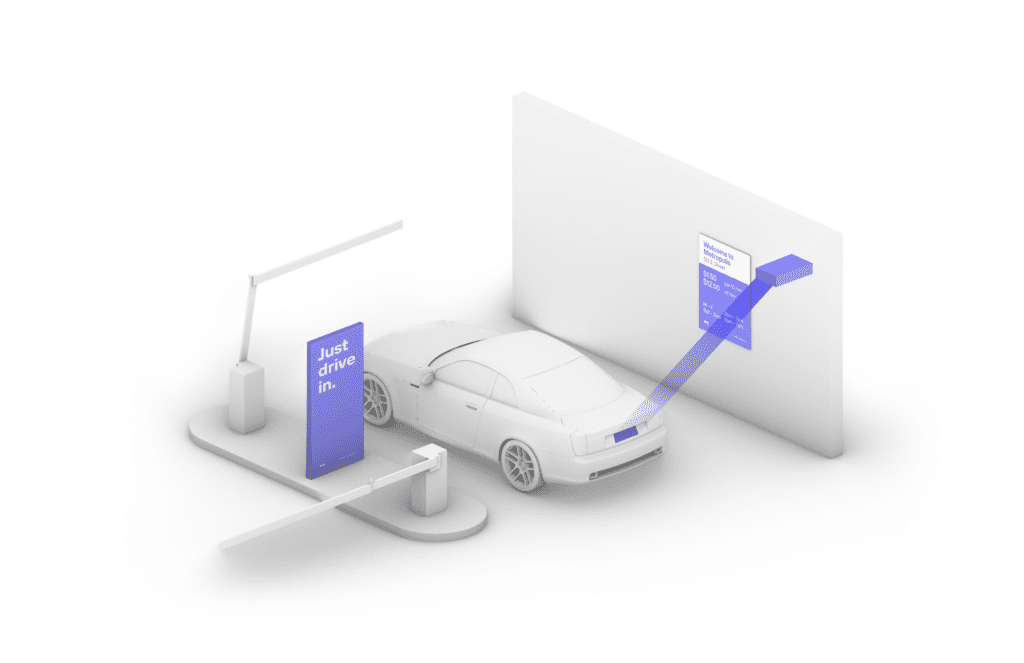
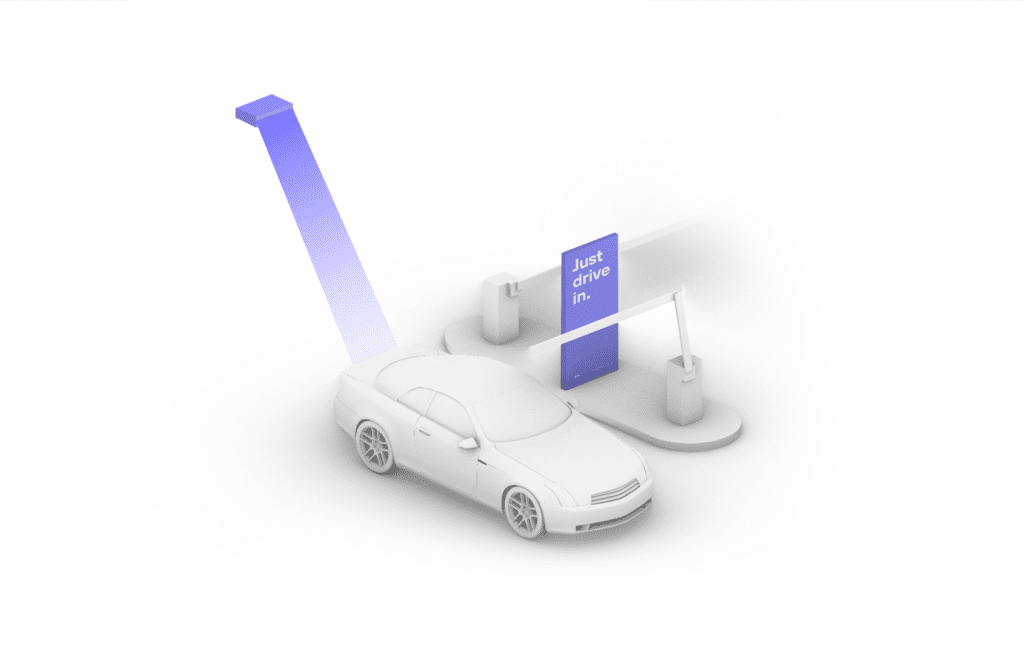
- Enter the garage through the entrance on West 65th Street.
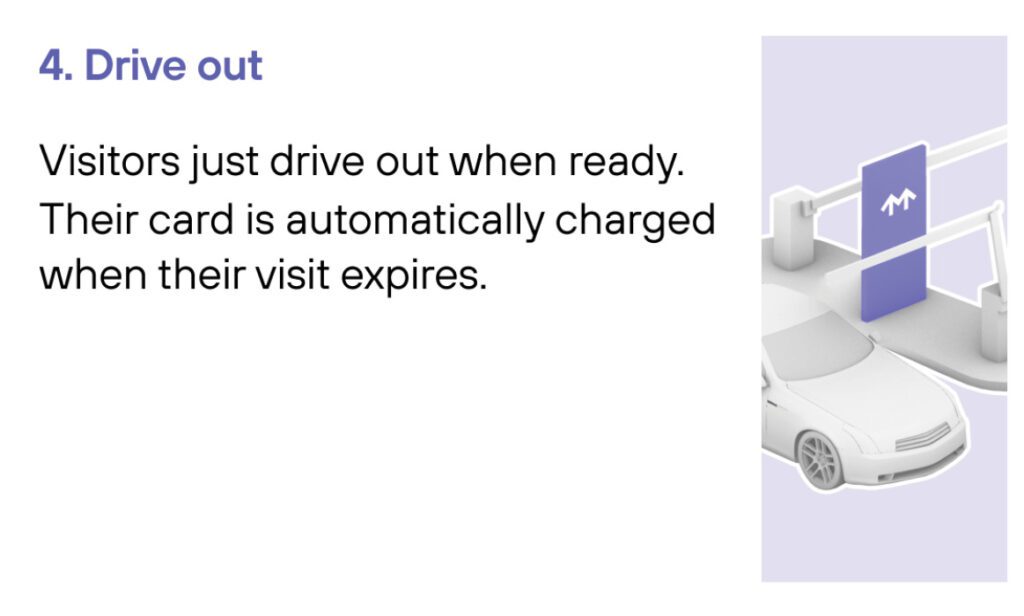
- Stop at the valet station with your reservation available to present to the parking attendant. If you do not have a reservation, please wait for the parking attendant to assist you further.
- If your license plate is entered when purchasing your reservation, your reservation will be automatically verified upon arrival. If it wasn’t, the parking attendant will require further information to begin your parking session.
- When arriving to pick up your vehicle, present your valet ticket and an attendant will be able to retrieve your vehicle. If necessary, you may need to pay for any time exceeding your reservation at the cashier booth.
- Exit the garage through West 66th Street.
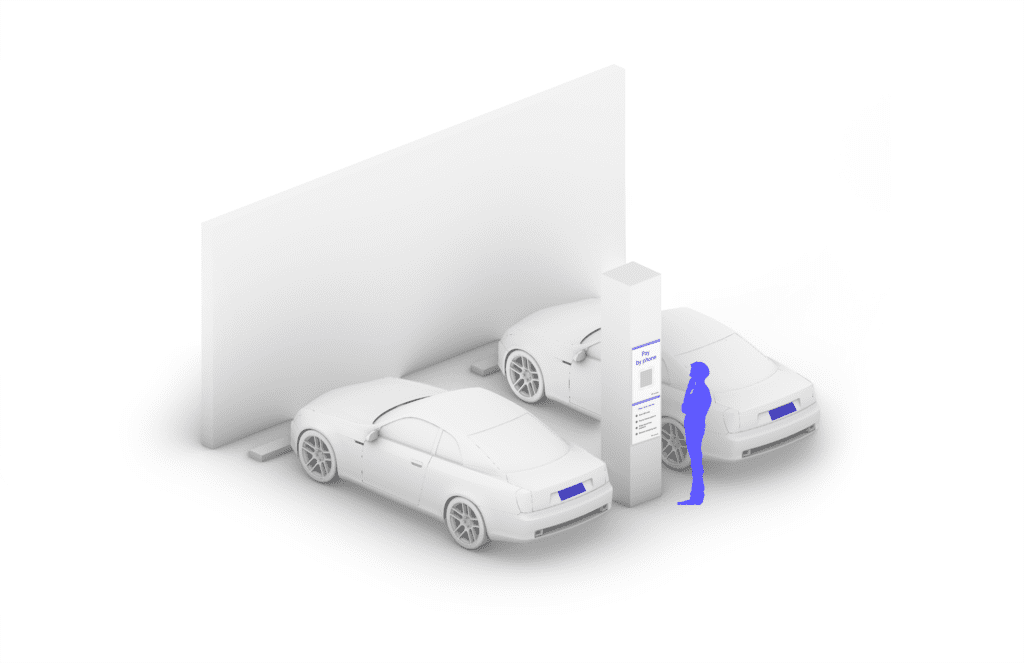
Press the HELP button for assistance, 24/7.